// GUIDES
Field Notes.
The strange world of files, privacy, and permanent software.
How to Reduce Video File Size for Email
Compress videos to under 20MB for email attachments. On-device. Nothing uploaded. No watermark. Free at fwip.app.
How to Transcribe a Meeting Recording Privately
Transcribe meeting recordings without uploading them to Otter, Descript, or any cloud service. On-device AI. Your meeting stays yours. Free at fwip.app.
How to Merge Audio Files
Combine multiple audio files into one. MP3, WAV, M4A, OGG. Any format. On-device. Nothing uploaded. Free at fwip.app.
How to Make a GIF From a Video
Convert any video clip to a GIF in seconds. Set start, end, size, and frame rate. On-device. Nothing uploaded. Free at fwip.app.
How to Convert WAV to MP3 Without Losing Quality
Convert WAV to MP3 at 320kbps in your browser. On-device. Nothing uploaded. No account, no watermark. Free at fwip.app.
How to Upscale an Image Without Uploading It
Upscale images 2x or 4x using on-device AI. No upload. No cloud processing. Your photos stay private. Free at fwip.app.
How to Convert MOV to MP4 on Mac Without Uploading
Convert MOV files to MP4 right in your browser. On-device. Nothing uploaded. No QuickTime export, no Handbrake, no account. Free at fwip.app.
How to Trim a Video Without iMovie
Cut the start and end of any video in seconds. No iMovie, no upload, no account. On-device. Free at fwip.app.
How to Transcribe Audio Without Uploading It
Transcribe meetings, interviews, and recordings using on-device AI. Your audio never leaves your machine. No account. Free at fwip.app.
How to Compress a Video for Discord
Compress videos to under 10MB for Discord free accounts or 25MB for Nitro. On-device. Nothing uploaded. No watermark. Free at fwip.app.
How to Remove the Background From an Image Without Photoshop
Remove backgrounds from photos instantly using on-device AI. No Photoshop. No upload. No account. Free at fwip.app.
How to Extract a Table From a PDF Into Excel
Pull tables out of PDFs and download as CSV or Excel. On-device. Nothing uploaded. Free at fwip.app.
System Requirements. fwip Desktop App
Everything you need to know before downloading fwip for Mac and Windows.
How to Turn a Scanned PDF Into Searchable Text
Convert scanned PDFs into searchable, selectable text using OCR. On-device. Nothing uploaded. Free at fwip.app.
How to Compress a Video for WhatsApp
Compress videos to under 16MB for WhatsApp. On-device. Nothing uploaded. No watermark. Free at fwip.app.
How to Convert CSV to JSON (and Back)
Convert CSV to JSON or JSON to CSV instantly. On-device. Nothing uploaded. No account. Free at fwip.app. Works with any valid file.
How to Redact Sensitive Information From a PDF
Permanently black out names, numbers, and sensitive text in any PDF. On-device. Nothing uploaded. Can't be reversed. Free at fwip.app.
How to Convert Audio Files Without Installing Software
Convert MP3, WAV, FLAC, OGG, AAC, and more in your browser. On-device. Nothing uploaded. No software to install. Free at fwip.app.
How to Strip EXIF Data From Photos Before Posting Online
Strip GPS location, camera info, and timestamps from your photos before sharing. On-device. Nothing uploaded. Free at fwip.app.
How to Convert PNG to JPG (or JPG to PNG)
Convert between PNG and JPG instantly. On-device. Nothing uploaded. No watermark. Free at fwip.app.
How to Sign a PDF Without Printing It
Draw or type your signature directly on a PDF. No printing, no scanning, no upload. On-device. Free at fwip.app.
How to Add a Watermark to a PDF
Add text or image watermarks to every page of your PDF. On-device. Nothing uploaded. No account needed. Free at fwip.app.
How to Extract Pages From a PDF
Pull specific pages out of any PDF. On-device. Nothing uploaded. No account needed. Free at fwip.app.
How to Convert Video to MP4 Without Uploading It
Convert MOV, AVI, MKV, WebM and more to MP4 on your device. Nothing uploaded. No account. No watermark. Free at fwip.app.
How to Compress Images Without Losing Quality
Compress JPG, PNG, and WebP images up to 90% smaller. On-device. Nothing uploaded. No watermark. Free at fwip.app.
How to Convert a PDF to Word and Keep the Formatting
Convert PDF to editable Word documents. Keeps formatting, tables, and layout. On-device. Nothing uploaded. Free at fwip.app.
How to Merge Multiple PDFs Into One File
Combine multiple PDFs into one file in seconds. Drag to reorder. On-device. Nothing uploaded. No account needed. Free at fwip.app.
How to Remove Metadata From a PDF Before Sending It
Strip hidden author names, timestamps, edit history, and GPS data from your PDF in seconds. On-device. Nothing uploaded. Free at fwip.app.
The Word to PDF problem
Converting a .docx to PDF should be simple. The reason it isn't tells you a lot about how software gets complicated.
How to Edit a PDF Without Adobe Acrobat
50 PDF tools. Compress, merge, split, sign, redact, convert. No subscription. No upload. Free in your browser or $99 once for the desktop app.

What happens when you upload a file
You click upload. You get a result. Simple. Except for everything that happens in between.
How to Convert HEIC to JPG Without Uploading Your Photos
Convert HEIC photos to JPG instantly in your browser. Your photos never leave your device. No account, no upload, no watermark. Free at fwip.app.
How to Compress a PDF for Email Without Uploading It
Compress any PDF to under 5MB in seconds. On-device. Your file never leaves your machine. No upload, no account. Free at fwip.app.
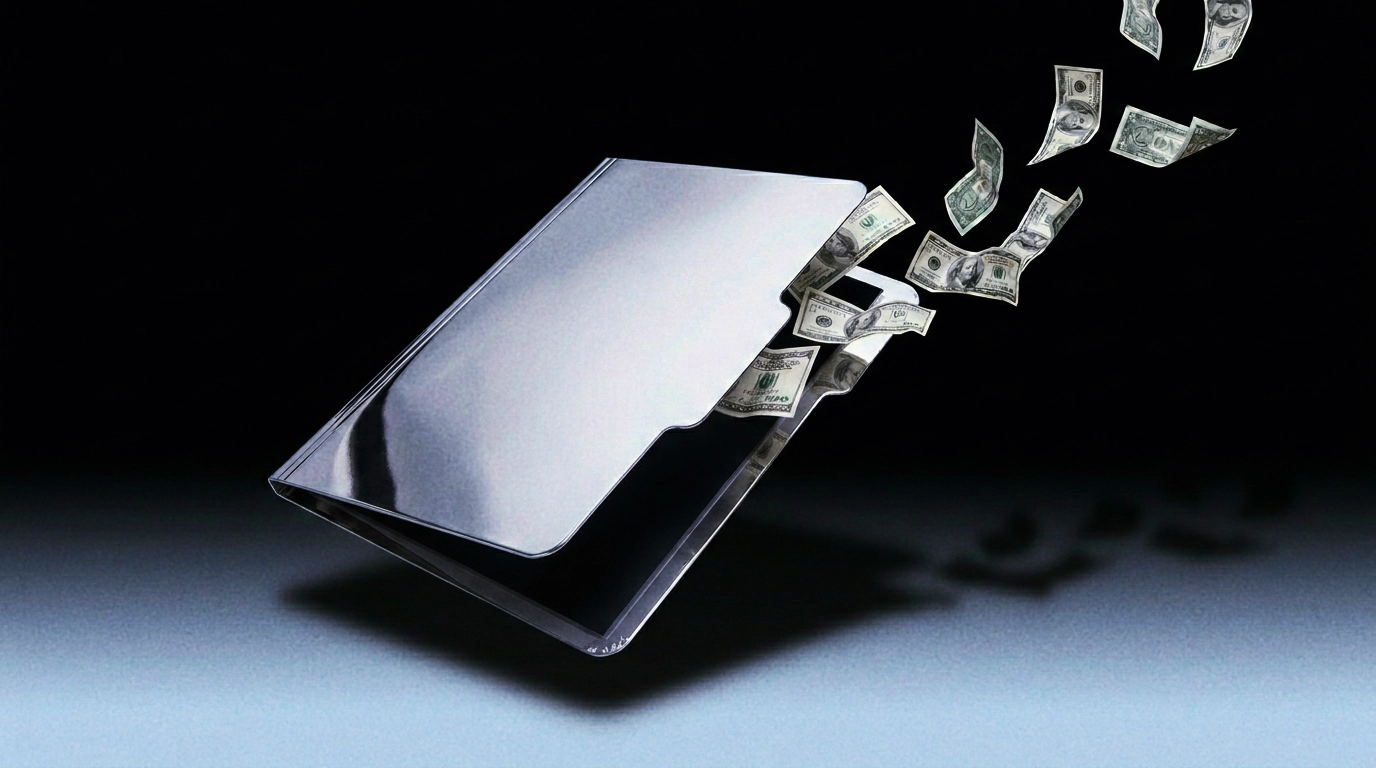
The real cost of free PDF tools
It starts with one export. Then it's monthly. The subscription trap hiding inside every free tool.
Why your PDF is so big
A 2-page invoice. 14 megabytes. Here's what's actually inside a bloated PDF, and how to fix it without sending it anywhere.
The Markup Layer
There are two kinds of PDF feedback. One costs $55/month and works. The other is free and terrible. The gap between them is wider than it needs to be.
The Three-Second Loop That Conquered the Internet
The GIF was invented in 1987 and was supposed to die a dozen times. It refused. Because it does something no other format does. It loops. Silently. Without asking.
Why Your Skin Looks Wrong on Camera
It's not the camera. It's the light. Professional photographers spend more time on lighting than any other variable. Your selfie doesn't get that luxury.
Why Your Files Are Bigger Than They Need to Be
Email has a 25-megabyte limit. A single phone photo is 5-12MB. A one-minute 4K video is 400MB. These numbers don't fit together. Compression is matching the file to its context.
Why Your PDF Won't Print Properly
You designed it on screen. It looked perfect. Then it printed with white borders, shifted colours, and a missing font. Here's why.
The Export Settings Trap
There used to be a blog post for every platform. Best export settings for YouTube. Best for TikTok. Fourteen steps for what should be one decision. In 2026, the confusion has multiplied.
The 9:16 Problem
You shot it in landscape. TikTok wants vertical. The crop loses the subject. The resize distorts the frame. Welcome to the aspect ratio tax.
The Audio Format Problem Nobody Solved
There's a moment in every project where someone sends you the wrong audio file. It's an MP3. You needed a WAV. Here's the version of this explanation that actually sticks.
The Meeting Recording Problem
You have a 90-minute meeting recording. You need to know what was said. Listening to the whole thing is not a real option.
What "Lossless" Actually Means
Lossless doesn't mean better. It means nothing was thrown away. Understanding the difference between lossy and lossless changes how you think about every file conversion.
The Image That Wouldn't Upload
You've been there. A form with an upload field. A perfectly good image. And a message that says the file is too large, the wrong format, or the wrong dimensions.
The Codec Mess
You record a video on your iPhone. It won't play on your colleague's Windows laptop. It won't upload to Slack. Welcome to the codec mess.
The File That Remembers Everything
A PDF remembers more than you think. Author name, edit history, GPS coordinates, software versions. Every field is a potential disclosure you didn't consent to.
The $55-a-Month PDF
At some point in the last decade, signing a document became subscription software. Adobe Acrobat Pro costs $54.99 a month. For signing your name.
Every Photo You've Ever Sent Knows Where You Live
A Vice journalist published a photo with John McAfee. The EXIF data contained GPS coordinates. His location was exposed by the default behaviour of a smartphone camera.
The Black Bar Problem
In 2016, Australia's Department of Immigration released a redacted report. Within hours, every name was published. The bars were cosmetic. The text was still there.
No guides match your filters.
