PDF tools that stay on your device.
Compress, convert, sign, merge, split, redact, and extract. All in your browser.
Whether you're fixing a contract at 11 pm, compressing a deck before a deadline, or redacting a lease before sending it to a stranger, you shouldn't have to upload it to someone else's server first. Every tool here runs locally in your browser. Your files never leave.
Most used
What you can do with these.
PDFs are everywhere: contracts, invoices, reports, tax forms, slide decks, manuals. Most tools make you upload them to process them. That means your files travel through someone else's server, often with file size limits, watermarks, and subscription walls.
fwip runs entirely in your browser. When you compress a PDF, the file never leaves your device. When you sign one, the signature is embedded locally. When you redact, the content is permanently destroyed on your machine. Not temporarily hidden on a server.
You can convert between PDF, Word, Excel, PowerPoint, images, and HTML. You can merge, split, rotate, crop, reorder pages. You can add page numbers, watermarks, or form fields. You can OCR a scanned document or flatten a fillable form. It's a complete PDF toolkit. All local.
Pick your problem.
Shrink a PDF for email
Attachments rejected? Compress to 86 % smaller without visible quality loss.
Sign a contract
Draw or upload your signature. Place it on any page, download immediately.
Pull tables from a PDF
Select a table region and export to CSV or Excel. No manual retyping.
Make a scan searchable
Run OCR on scanned pages. Add an invisible text layer so you can search and copy.
Protect sensitive content
Permanently redact text. Lock with a password. Add a watermark.
Why this is different.
Most PDF tools are thin wrappers around a server. You upload your file, the server processes it, and you download the result. That means your file travels through infrastructure you don't control. And often, the service keeps a copy for 'up to 24 hours' in the fine print.
fwip is different because the processing happens on your hardware. The tools are compiled to WebAssembly and run inside your browser tab. There's no upload step, no server, no temporary storage. When you close the tab, the file is gone. Because it was never anywhere else.
This also means fwip works offline, is limited only by your device (in the desktop version), and doesn't require an account. There's nothing to sign up for because there's nothing to sign into.
| fwip | Smallpdf | Adobe Acrobat | iLovePDF | |
|---|---|---|---|---|
| Upload required | No | Yes | Yes | Yes |
| Account required | No | Yes | Yes | Free tier |
| Price | $49 once | $108/yr | $240/yr | $48/yr |
| Files leave device | No | Yes | Yes | Yes |
| Works offline | Yes | No | Yes | No |
All 50 PDF tools.
PDF Workspace
Open once. Do everything. Sign, lock, compress, split, redact and more.
Compress PDF
Ghostscript-powered. Up to 86% smaller.
Smart Sign
Sign any PDF. Signatures, initials, text, dates, ticks.
Merge PDFs
Combine multiple PDFs. Drag to reorder.
Invoice Generator
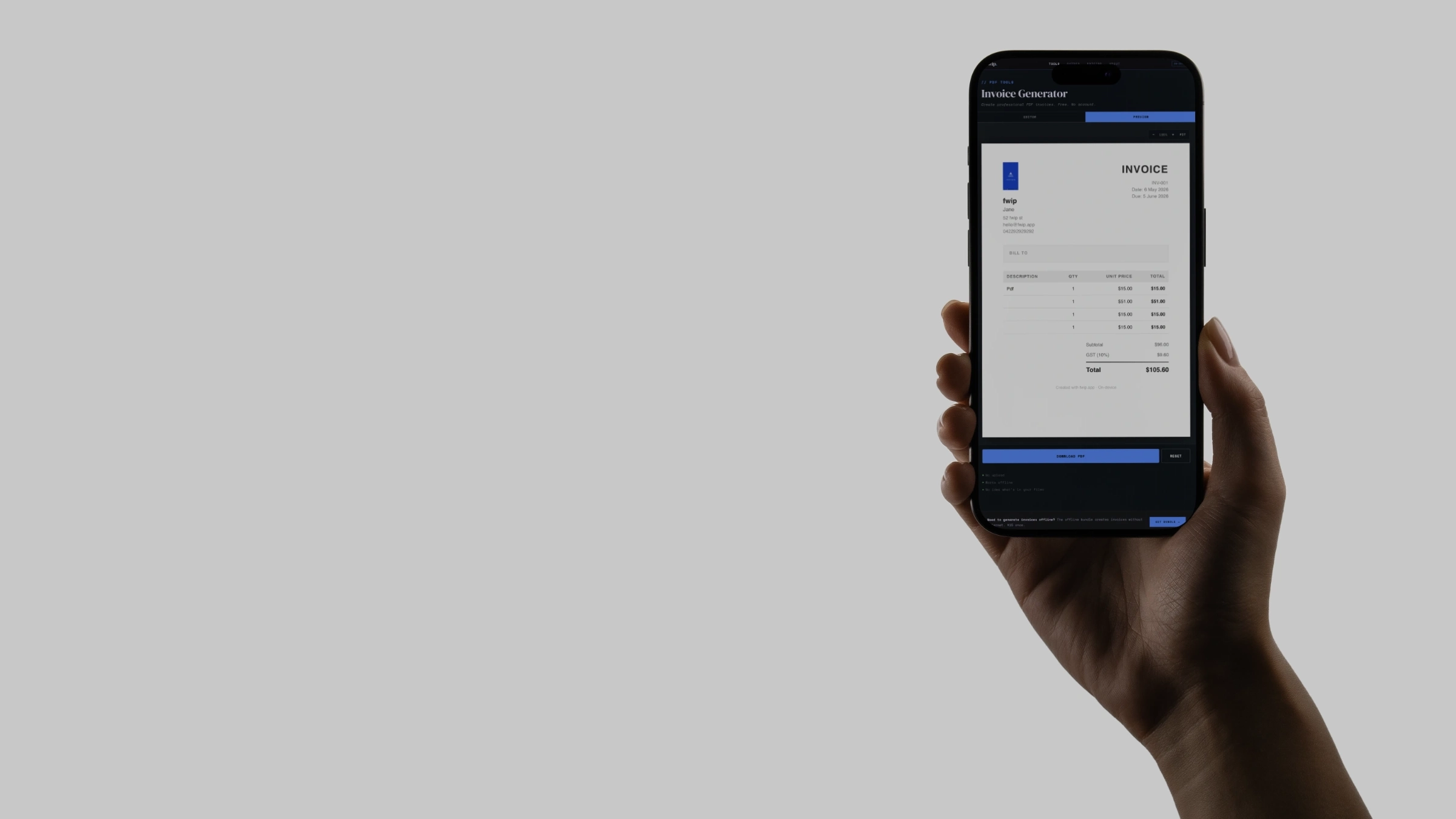
Create professional PDF invoices. Line items, tax, logo.
PDF to Word
Convert PDF to editable .docx. Text and formatting preserved.
Sign Prep
Auto-detect signature fields. Export fillable PDF.
Edit PDF
Click text to edit it directly. Save and download.
Form Builder
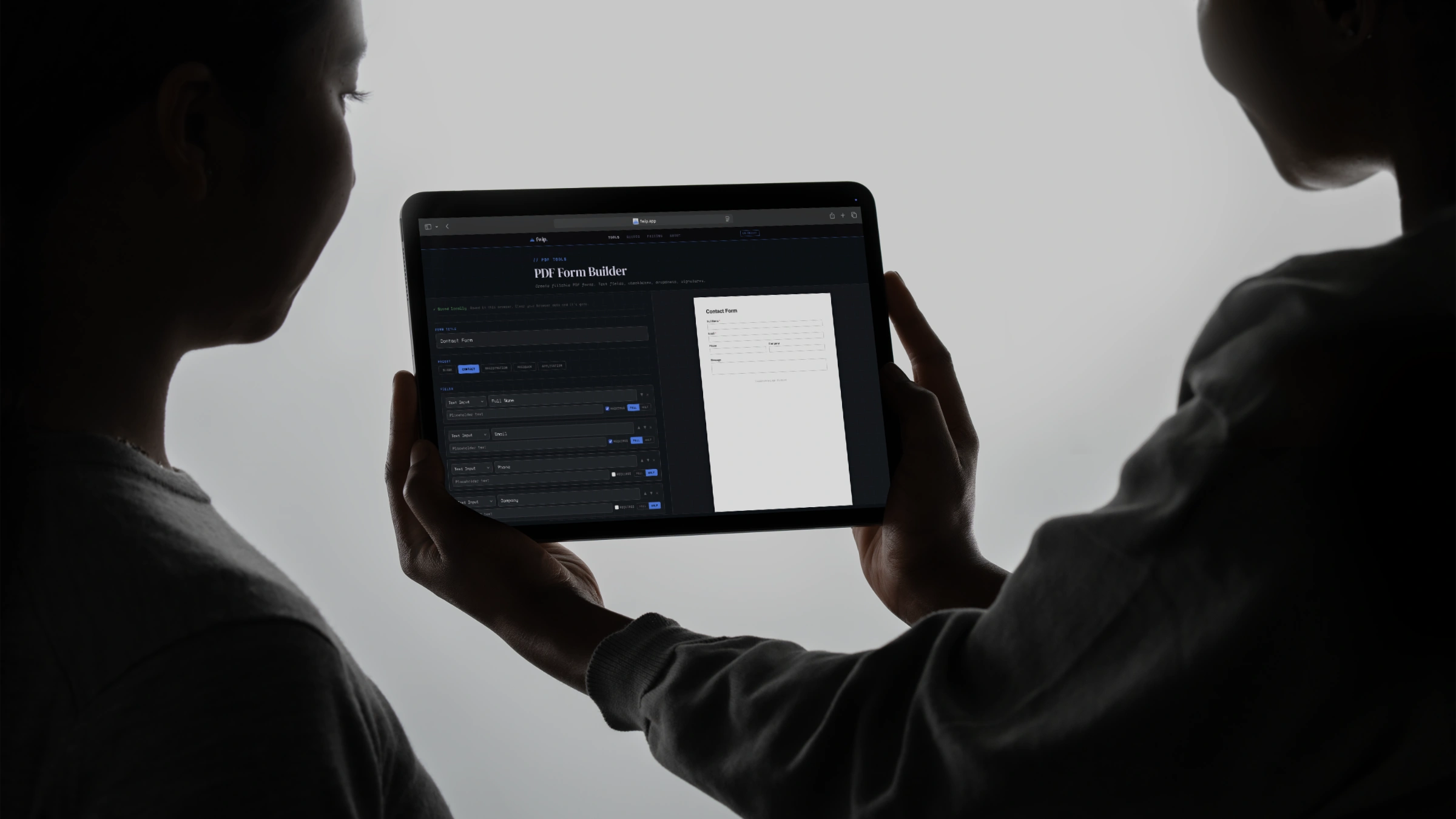
Create fillable PDF forms with text fields, checkboxes, dropdowns.
Fix My PDF
Auto-diagnose and fix size, metadata, forms, images.
Word to PDF
Convert .docx to PDF via browser print.
Sign PDF
Draw your signature, place it anywhere.
Split PDF
Split every page into its own PDF, zipped.
PDF to JPG
Every page to a JPG. Choose 72, 150 or 300 DPI.
PDF to PNG
Every page to a lossless PNG. Up to 300 DPI.
Lock PDF
Password-protect a PDF. Nobody gets in.
Redact PDF
Black out content permanently. No recovery.
Markup PDF
Highlight, strikethrough, draw. Baked in.
Watermark PDF
Stamp your logo on every page. Drag to place.
Annotate PDF
Stick notes on any page. Drag, edit, export.
Compare PDFs
Side-by-side diff. See exactly what changed.
PDF to Grayscale
Strip colour from every page. Saves ink.
Number Pages
Add page numbers. Choose position and style.
Reverse PDF
Flip the page order. Last page first.
Flatten PDF
Rasterize form fields into a permanent PDF.
PDF to Image
Stitch every page into one long PNG.
Crop PDF
Draw a crop box. Apply to all pages or one.
Image to PDF
JPG, PNG or WebP → one PDF. Drag to reorder.
OCR PDF
Extract text from scanned PDFs. 4 languages.
PDF to Text
Pull selectable text out instantly. No OCR.
PDF to CSV
Draw a box around any table. Get clean CSV.
Rotate PDF
Rotate any page 90°, 180° or 270°.
PDF to Excel
Extract tables from PDF into editable .xlsx spreadsheets.
PDF to PowerPoint
Convert PDF pages into presentation slides. Visual or editable.
Excel to PDF
Convert spreadsheets to clean PDF tables. Multi-sheet.
Organize PDF
Reorder, delete, or extract pages. Drag-and-drop.
Unlock PDF
Remove password protection. You supply the password.
PDF Form Filler
Fill in PDF forms in your browser. Type, save, done.
HTML to PDF
Convert HTML to a clean PDF. Paste, preview, download.
PDF to PDF/A
Convert to archival format. PDF/A-2b compliant.
Validate PDF/A
Check PDF/A compliance. Every check, on-device.
Make PDF Searchable
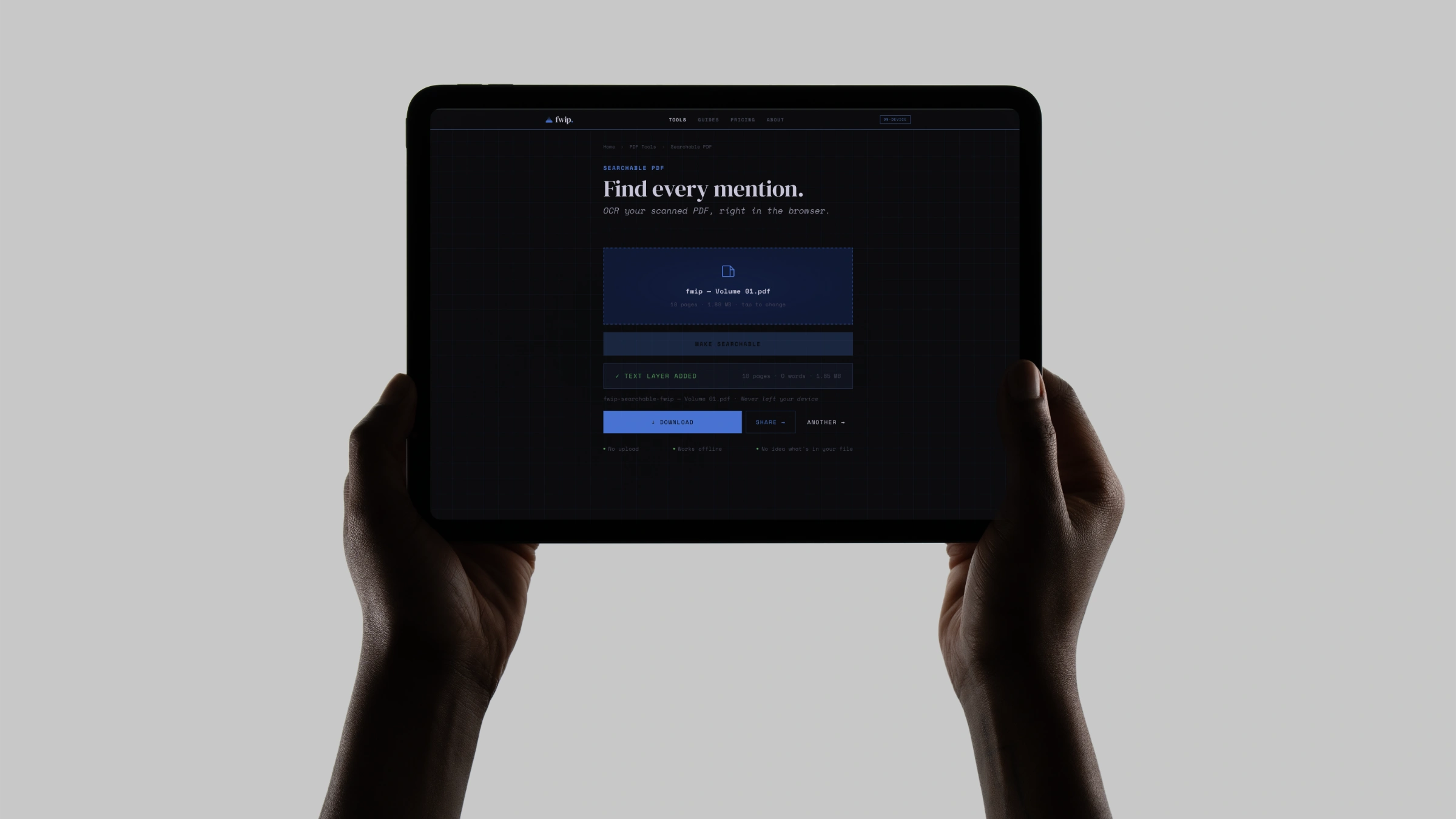
Add invisible OCR text layer to scanned PDFs.
Letter Writer
Write and format professional letters. Download as PDF.
Receipt Generator
Create receipts with items, tax, payment method. PDF download.
Certificate Maker
Create certificates of completion, achievement, appreciation.
Compress PDF for Email
Get under 25 MB. Email-safe in one click.
Compress PDF Under 10MB
Hit the 10 MB ceiling. Tight, readable, fast.
Compress PDF Under 5MB
Squeeze under 5 MB without trashing the text.
JPG to PDF
Combine JPGs into a single PDF. Drag to reorder.
PNG to PDF
Combine PNGs into a single PDF. Drag to reorder.
Who uses this.
Frequently asked.
Use it free in your browser. Buy it if you want bigger files, offline use, and permanent ownership.
Like it? Own it.
- Any one tool · offline
- Limited only by your device
- 3 devices · one payment
- All 50 PDF tools · offline
- Limited only by your device
- 3 devices · one payment
- All 250+ tools · offline
- Limited only by your device
- No daily use limit
- 3 devices · one payment · updates included
