Convert any audio format. In your browser.
MP3, WAV, FLAC, M4A, AAC, OGG, WMA, AIFF. 34 tools, all local.
Need to convert a voice memo, pull audio from a video, or trim a podcast clip? fwip handles audio conversion, trimming, and extraction entirely in your browser using ffmpeg.wasm. No upload, no account, no server.
Most used
What you can do with audio.
Audio format conversion is one of those tasks that sounds simple until you actually need to do it. Your recording software exports WAV but you need MP3. Your client sent FLAC files but your editor only takes WAV. Your phone recorded M4A but the submission portal only accepts MP3.
fwip converts between 8 audio formats: MP3, WAV, FLAC, M4A, AAC, OGG, WMA, and AIFF. You can also trim audio with a visual waveform editor, or extract lossless audio from any video file. Everything runs on ffmpeg.wasm in your browser.
Lossless-to-lossless conversions (FLAC to WAV, AIFF to WAV) preserve full quality. Lossy conversions (WAV to MP3) let you choose your bitrate.
Pick your problem.
Why this is different.
Most online audio converters upload your file, process it on a server, and send back the result. That's slow for large files and means your audio (voice memos, recordings, interviews, music) passes through third-party infrastructure.
fwip converts audio entirely in your browser. The ffmpeg.wasm engine runs locally, so your files stay on your device. No upload progress bars, no server queues, no risk of your audio being stored or logged.
The offline bundle removes the daily limit and the file-size cap.
| fwip | Adobe Audition | Descript | Online Audio Converter | |
|---|---|---|---|---|
| Upload required | No | No | Yes | Yes |
| Account required | No | Yes | Yes | No |
| Price | $49 once | $264/yr | $288/yr | Free (with ads) |
| Files leave device | Never | No | Always | Always |
| Works offline | Yes | Yes | No | No |
| Ads | No | No | No | Yes |
All 34 Audio tools.
WAV to MP3
Convert WAV to MP3 with quality selection
Clean Audio
Remove background noise from recordings. On-device.
M4A to MP3
Convert Apple M4A audio to MP3
Trim Audio
Trim audio files with a visual waveform editor
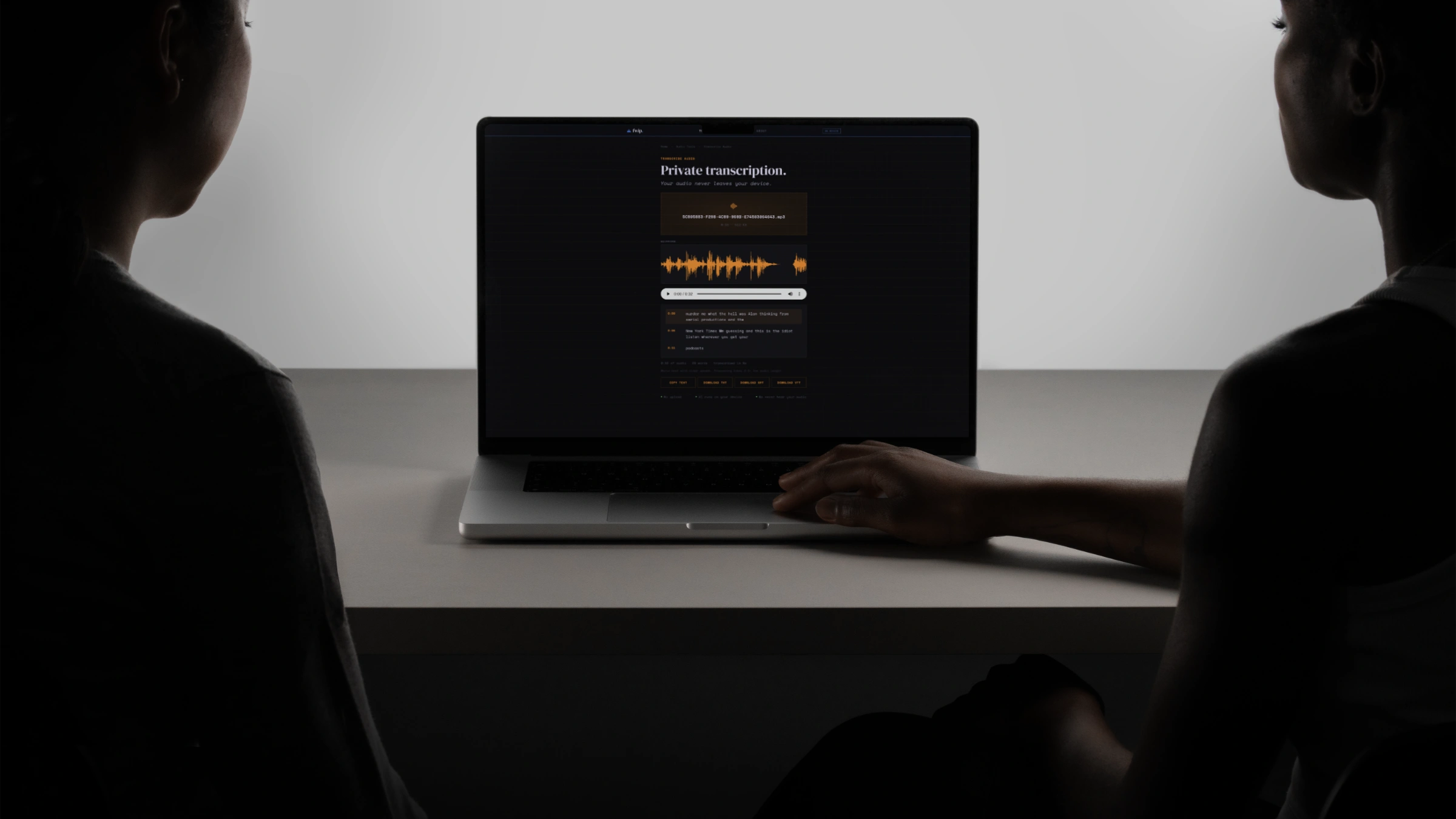
Transcribe Audio
AI speech-to-text. Export TXT, SRT, VTT subtitles.
Private Meeting Transcript
Transcribe meetings privately. AI on-device. No upload.
MP3 to WAV
Convert MP3 to uncompressed WAV audio
FLAC to MP3
Convert FLAC to MP3 with quality selection
Merge Audio
Combine multiple audio files into one
Extract WAV
Extract lossless WAV audio from any video file
FLAC to WAV
Convert FLAC to WAV. Lossless conversion
M4A to WAV
Convert Apple M4A audio to WAV
OGG to MP3
Convert OGG Vorbis to MP3
OGG to WAV
Convert OGG Vorbis to uncompressed WAV
AAC to MP3
Convert AAC audio to MP3
AAC to WAV
Convert AAC audio to uncompressed WAV
WMA to MP3
Convert Windows Media WMA to MP3
WMA to WAV
Convert Windows Media WMA to WAV
WAV to OGG
Convert WAV to OGG Vorbis. Open format
MP3 to OGG
Convert MP3 to OGG Vorbis
WAV to FLAC
Convert WAV to FLAC. Lossless compression
MP3 to FLAC
Convert MP3 to FLAC container
MP3 to AAC
Convert MP3 to AAC (M4A container)
WAV to AAC
Convert WAV to AAC (M4A container)
AIFF to MP3
Convert Apple AIFF audio to MP3
AIFF to WAV
Convert AIFF to WAV. Lossless, cross-platform
Compress Audio
Reduce audio file size by re-encoding at lower bitrate
Adjust Volume
Increase or decrease audio volume. Normalise to peak
Fade Audio
Add fade in and fade out effects
Split Audio
Split audio at time points or equal intervals
Reverse Audio
Reverse audio playback. Play it backwards
Change Speed
Speed up or slow down audio. 0.25× to 4.0×
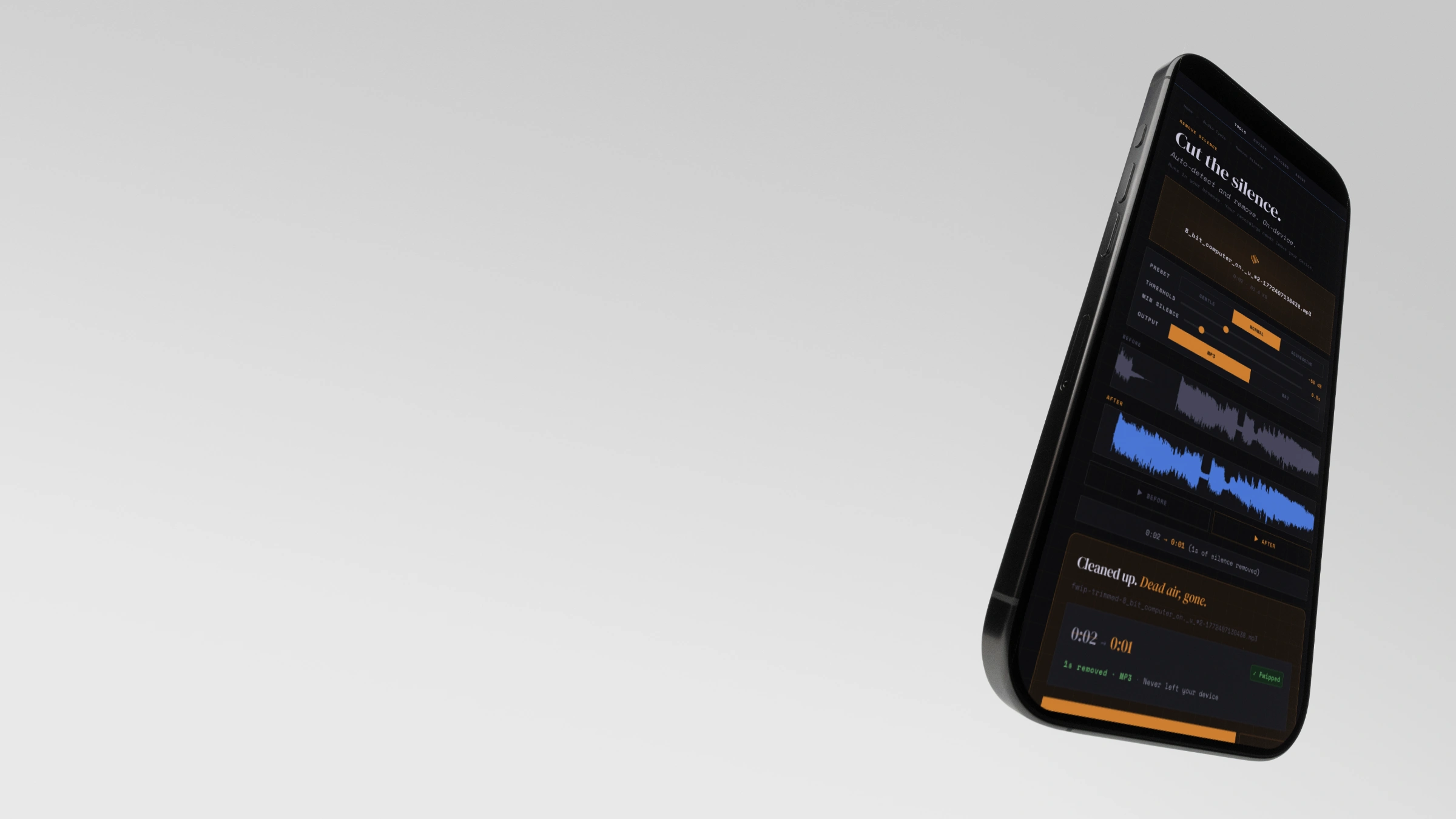
Remove Silence
Auto-detect and remove silent sections from audio
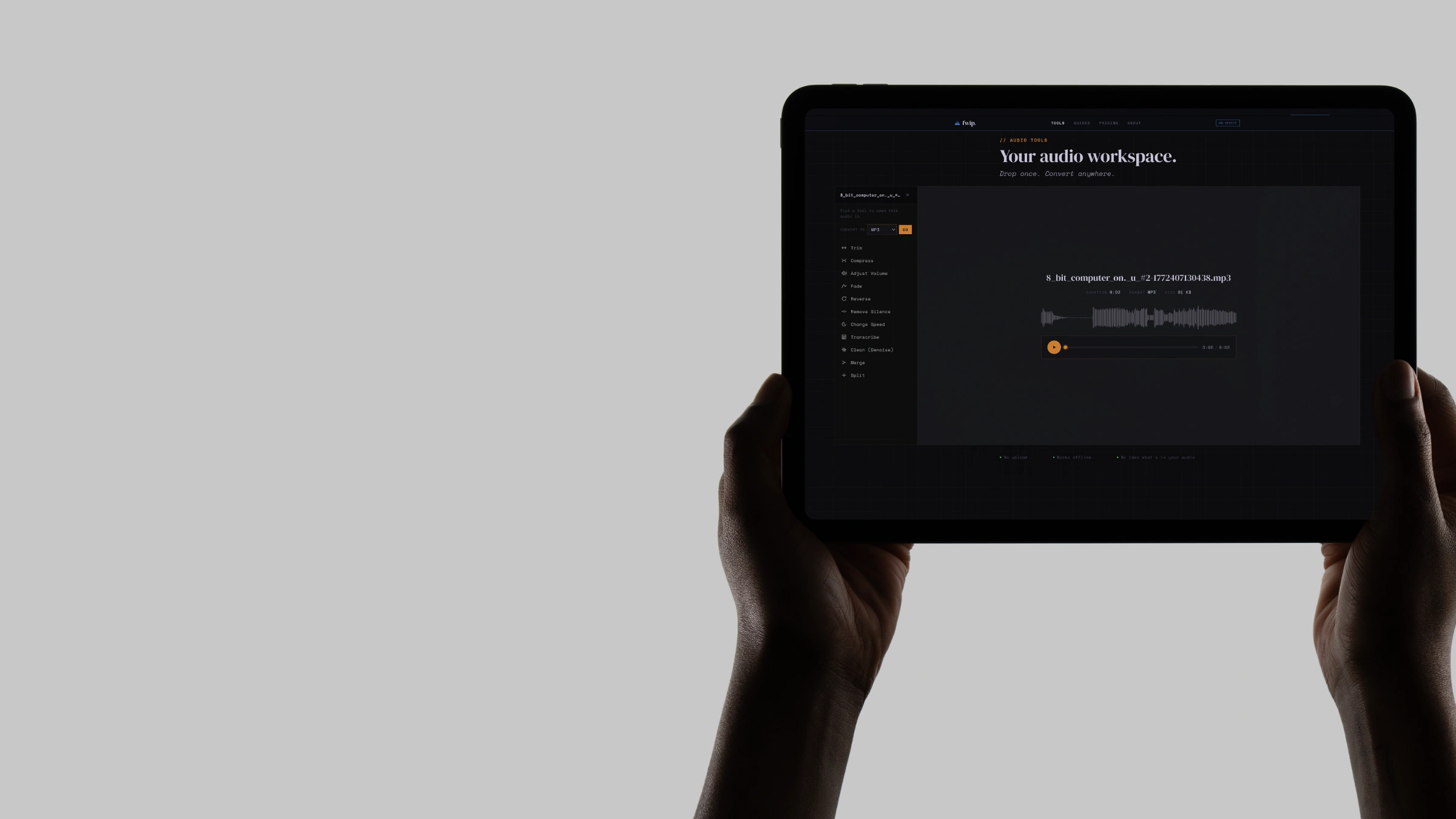
Audio Workspace
Drop once. Convert, trim, transcribe, compress. Every audio tool, no re-upload.
Who uses this.
Frequently asked.
Use it free in your browser. Buy it if you want bigger files, offline use, and permanent ownership.
Like it? Own it.
- Any one tool · offline
- Limited only by your device
- 3 devices · one payment
- All 34 Audio tools · offline
- Limited only by your device
- 3 devices · one payment
- All 250+ tools · offline
- Limited only by your device
- No daily use limit
- 3 devices · one payment · updates included
