Image tools that don't touch a server.
Convert, compress, resize, crop, and edit. 57 tools, all in your browser.
Whether you're converting HEIC photos from your iPhone, compressing images for a website, removing a background for a product listing, or resizing for social media, fwip handles it locally. Your images never leave your device.
Most used
What you can do with images.
Image work is constant. Compressing photos for a website that loads too slowly. Converting HEIC files from an iPhone so they actually open on Windows. Resizing product photos for an online store. Removing a background for a listing or a profile picture. Stripping GPS and device metadata before sharing.
fwip converts between 30+ image formats: HEIC, WebP, PNG, JPG, TIFF, BMP, SVG, GIF, and ICO. Three tools use AI models that run directly on your device: background removal, image upscaling, and noise reduction. No cloud processing, no API calls.
The free browser version handles single images up to 100MB. The offline bundle removes the daily limit and the file-size cap. Drop several photos together, no upload, no internet.
Pick your problem.
Optimise for web
Compress and convert to WebP for fast loading.
Why this is different.
Most image tools either upload your photos to a server (TinyPNG, CloudConvert, Canva) or only handle one specific format (Squoosh). fwip gives you 45 tools covering every common image task. None of them transmit your files.
The three AI-powered tools (Remove Background, Upscale Image, Denoise Image) run ONNX models directly in your browser via WebAssembly. The models download once and cache locally. No API keys, no cloud inference, no per-image charges. Your photos stay on your device.
For ongoing image work (resizing a product catalogue, converting TIFFs, or compressing site images), the offline bundle runs every tool with no daily limit, no upload, and no internet.
| fwip | TinyPNG | Canva | Photopea | |
|---|---|---|---|---|
| Upload required | No | Yes | Yes | Yes |
| Account required | No | Free tier | Yes | No |
| Price | $49 once | $300/yr | $156/yr | $60/yr |
| Files leave device | No | Yes | Yes | Yes |
| Works offline | Yes | No | No | No |
All 58 Image tools.
Passport Photo
Resize and crop a photo to passport dimensions. US, UK, EU and custom sizes.
Compress Image
Shrink JPG, PNG and WebP. Pick a target size.
Remove Background
AI background removal. Transparent PNG output. On-device.
HEIC to JPG
Convert iPhone HEIC photos to JPG. No upload.
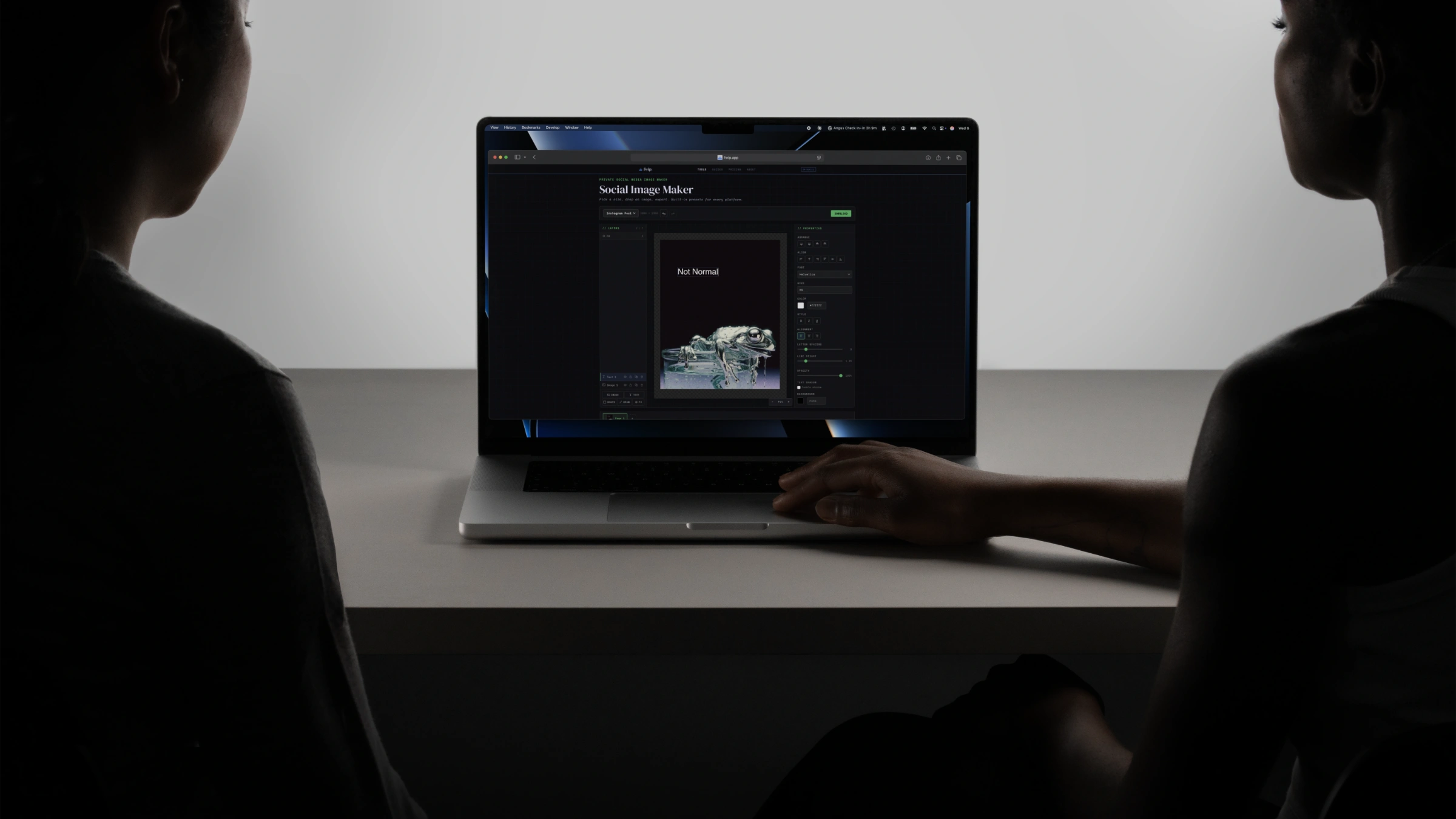
Social Image Maker
Create social media images. Size presets, layers, export PNG/JPG
Social Resize
Instagram, Facebook, X, LinkedIn, TikTok. Every size.
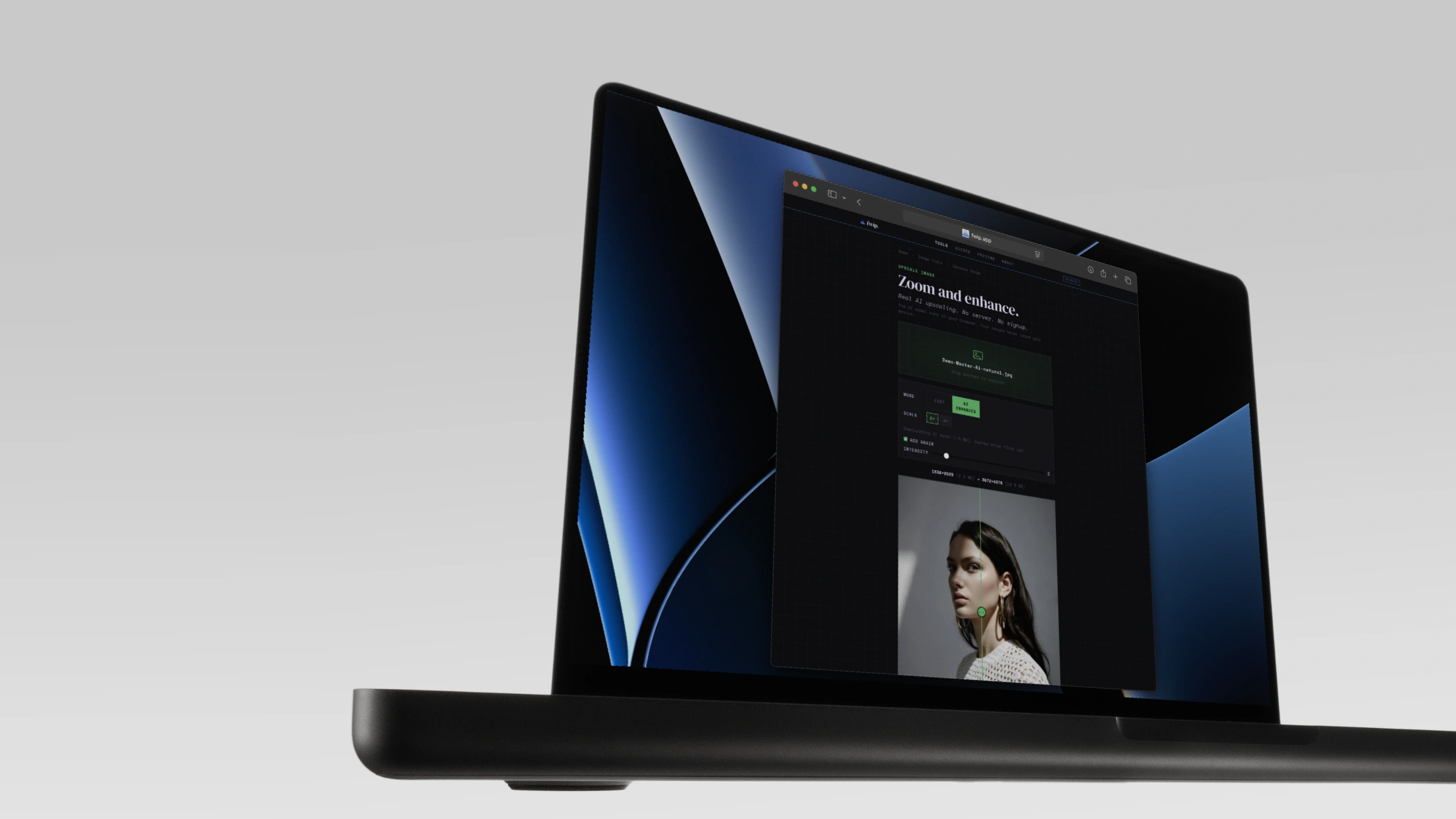
Upscale Image
Enlarge images with AI super-resolution or fast interpolation. On-device.
PNG to JPG
Convert PNG to JPG. White fill, smaller files.
Fix My Image
Auto-diagnose and fix format, size, dimensions, EXIF
PNG to WebP
Convert PNG images to WebP. Smaller files, same quality.
Resize Image
Resize to exact pixels or a percentage. Works on multiple files.
Social Resize Image
Crop, reposition, blur background. 15 platform presets.
JPG to WebP
Convert JPG and JPEG images to WebP. Smaller files.
JPG to PNG
Convert JPG to lossless PNG. Transparency support.
Image to WebP
Convert any image to WebP. JPG, PNG, BMP, GIF, TIFF.
Crop Image
Draw a crop box. Aspect ratio presets. Full resolution.
Rotate & Flip
Rotate 90°, 180° or flip. Works on multiple files.
Color Palette
Extract dominant colours from any image. Click to copy hex.
Adjust Image
Brightness, contrast, saturation. Live preview.
Black & White
Convert to grayscale, partial desaturate, or sepia.
Add Text
Caption, watermark, or label. 15 fonts. Click to place.
Photo Collage
Pick a grid layout. Drop in photos. Download as one image.
Pixelate Image
Pixelate full image or selected area. Hide faces, plates, info.
Add Border
Add borders and padding. White border for Instagram, custom colours.
Strip EXIF
Remove GPS, device, and timestamp metadata from photos.
SVG to PNG
Convert SVG vector files to high-res PNG images.
WebP to JPG
Convert WebP images to JPG. Adjustable quality.
WebP to PNG
Convert WebP images to lossless PNG. Works on multiple files.
BMP to JPG
Convert BMP bitmaps to compressed JPG. See the ratio.
TIFF to JPG
Convert TIFF images to JPG. Multi-page support.
TIFF to PNG
Convert TIFF images to lossless PNG. Multi-page support.
TIFF to WebP
Convert TIFF images to WebP. Modern format, smaller files.
HEIC to PNG
Convert iPhone HEIC photos to lossless PNG.
HEIC to WebP
Convert iPhone HEIC photos to WebP.
SVG to JPG
Convert SVG vector files to JPG. Choose scale.
SVG to WebP
Convert SVG vector files to WebP.
BMP to PNG
Convert BMP bitmaps to lossless PNG.
BMP to WebP
Convert BMP bitmaps to WebP. Massively smaller.
PNG to BMP
Convert PNG images to BMP bitmap format.
JPG to BMP
Convert JPG images to BMP bitmap format.
GIF to JPG
Convert GIF images to JPG. First frame extracted.
GIF to PNG
Convert GIF images to lossless PNG.
Blur Image
Apply gaussian blur with adjustable radius. Live preview.
Sharpen Image
Convolution sharpening with adjustable intensity. Live preview.
Rounded Corners
Add rounded corners to any image. Per-corner radius. Always PNG.
Image to ICO
Convert any image to ICO favicon format. Multi-size support.
Denoise Image
Remove grain and noise from photos with AI. On-device.
Blur Faces
AI face detection and privacy blur. On-device.
Portrait Blur
AI depth-based background blur. Portrait mode effect.
Smart Crop
AI subject detection and auto-crop. Any aspect ratio.
Portrait Cutout
AI alpha matte portrait background removal. Soft edges.
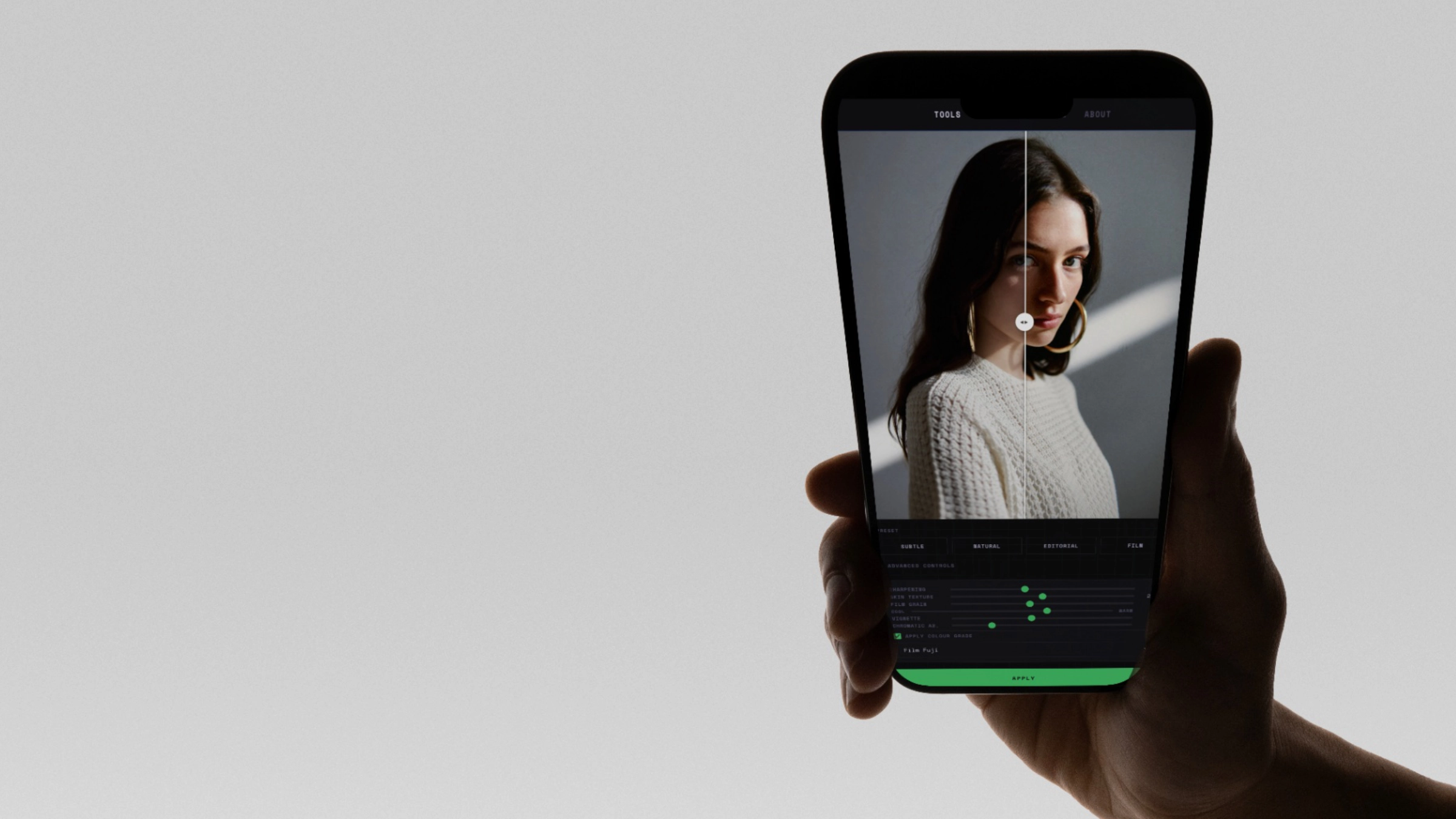
AI Skin Fix
Fix plastic AI skin. Add texture, film grain, and sharpening.
Carousel Maker
Build social carousels. Drag, snap, export PDF or PNG.
Instagram Post Maker
Square posts at 1080×1080. Templates, layers, export.
LinkedIn Post Maker
Polished LinkedIn graphics. Quotes, charts, headshots.
YouTube Thumbnail Maker
Bold 16:9 thumbnails. Big text, layers, export.
Meme Generator
Top text, bottom text, drag images. Export PNG.
Batch Rename
Rename multiple files at once. Prefix, date, find & replace, or clean.
Who uses this.
Frequently asked.
Use it free in your browser. Buy it if you want bigger files, offline use, and permanent ownership.
Like it? Own it.
- Any one tool · offline
- Limited only by your device
- 3 devices · one payment
- All 58 Image tools · offline
- Limited only by your device
- 3 devices · one payment
- All 250+ tools · offline
- Limited only by your device
- No daily use limit
- 3 devices · one payment · updates included
