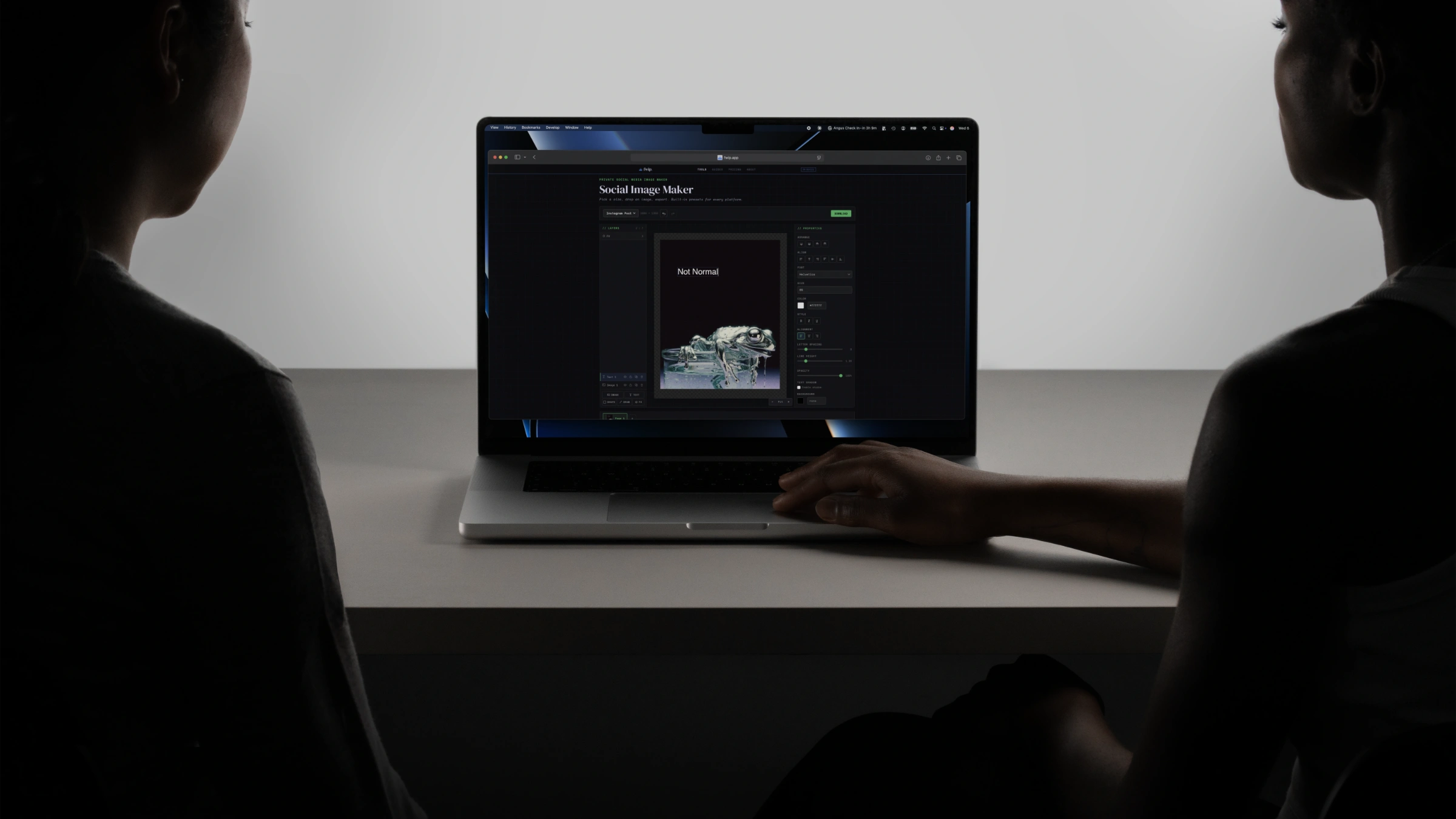
Stop renting
apps.
245 tools, free in your browser. Own the full offline suite for $99 once. No subscription. No upload. No daily limits.
Own it →// HOW IT WORKS
Free in your browser
Every tool works instantly in your browser. No account. No upload. No limits on what the tool can do. 3 uses per tool per day. Best for occasional one-off jobs.
Try the real thing. Free for 7 days.
Download the full desktop app. Not a demo. Not a watered-down trial. Every tool, every feature, no limits. After 7 days, buy what you want or walk away. No credit card. No auto-charge.
Own it with one payment
After the trial, buy what you need. One tool, one category, or everything. One-time payment. No subscription. It's yours.
// CHOOSE YOUR PRODUCT
Best for freelancers, creators, and anyone doing file work weekly.
- All 245 tools · offline
- Limited only by your device
- No daily use limit
- 3 devices · one payment · updates included
Best if you work in one area.
- All tools in one category · offline
- No daily use limit
- 3 devices · one payment
- Choose your category in-app
Best for one specific workflow.
- One tool · offline
- No daily use limit
- 3 devices · one payment
- Choose your tool in-app
One-time payment · 3 devices · Mac and Windows · Updates included
// THE MATHS
One payment replaces
the whole stack.
Most people pay for 2–3 file tools, and still don't own any of them.
| A PDF tool | $84–$240/year |
| An image tool | $72–$168/year |
| A video tool | $108–$288/year |
| That stack, every year | $264–$696/year |
| fwip complete suite | $99USD once |
PDF + Image + Video + Audio + AI + Data + Developer + Text + Privacy.
245 tools. Every category. One payment. No renewal.
You'll spend more on coffee this month.
// FREE VS PAID
| Feature | Free (browser) | Paid (offline) |
|---|---|---|
| All tools | ✓ | ✓ |
| Full processing power | ✓ | ✓ |
| File size limit | Limited only by your device * | Limited only by your device * |
| Daily use limit | 3 per tool per day | Unlimited |
| Work on the plane, in a café, in a bunker | — | ✓ |
| Convert without opening a browser | — | ✓ |
| New tools in your categories included, no extra charge | — | ✓ |
* fwip works in your device's memory, not our servers. Very large files are limited by your own hardware.
// QUESTIONS
Frequently asked.
Is fwip really free?
Yes. Every tool works in your browser with no account and no upload. You get 3 uses per tool per day. The tools themselves have no feature restrictions. You get the full experience.
How many times can I use fwip for free?
3 times per day, per tool. Each tool keeps its own counter that resets at midnight in your local time. Every free use is the full tool, nothing held back.
What happens after my 3 daily uses?
A prompt appears offering the free 7-day offline trial. You can also come back tomorrow. That tool's counter resets at midnight in your local time.
How does the 7-day offline trial work?
Download the desktop app directly from our download page (Mac and Windows). No email, no signup, no card. The app runs a full 7-day trial on first launch with every tool, no limits, offline. After 7 days, the app prompts you to buy a licence.
Do I need to enter my email?
No. The web tools are free with no account, and the desktop app downloads directly with no email required. The 7-day trial starts when you open the app, not when you give us an address. If you want our occasional newsletter, you can opt in on the home or about page.
What's the difference between free and paid?
The free browser version gives you full tools with a 3-per-tool-per-day limit. The paid offline version removes the daily limit, works without internet, lets you work with files limited only by your device, and gives you every tool in your category on up to 3 devices.
Do I need a subscription?
No. Every paid tier is a one-time payment. No monthly fees, no annual renewals, no auto-billing. You pay once and own it.
Can I upgrade later?
Each tier is a separate one-time purchase. If you start with a single tool and later want more, the category bundle and complete suite are available any time.
What payment methods do you accept?
Credit card, debit card, and PayPal via Lemon Squeezy (our merchant of record). All transactions are secure and encrypted.
What platforms are supported?
The offline app runs on Mac and Windows. Each purchase covers 3 devices.
Why is there no cookie banner?
Because we don't use cookies. No tracking pixels, no Google Analytics, no ad tech, no retargeting. We use Plausible for anonymous page view counts. It's cookieless and doesn't collect personal data. You'll never see a cookie banner on fwip because there's nothing to consent to.
How private is fwip, really?
Your files never leave your device. Not temporarily, not "encrypted in transit," not "securely stored in the cloud." They don't leave. The web tools run in your browser using WebAssembly. The desktop app runs locally. We don't see your files, we can't see your files, and we built it that way on purpose. The only network request the desktop app makes is a single license key check, and that works offline for 30 days.
